Pay My Rates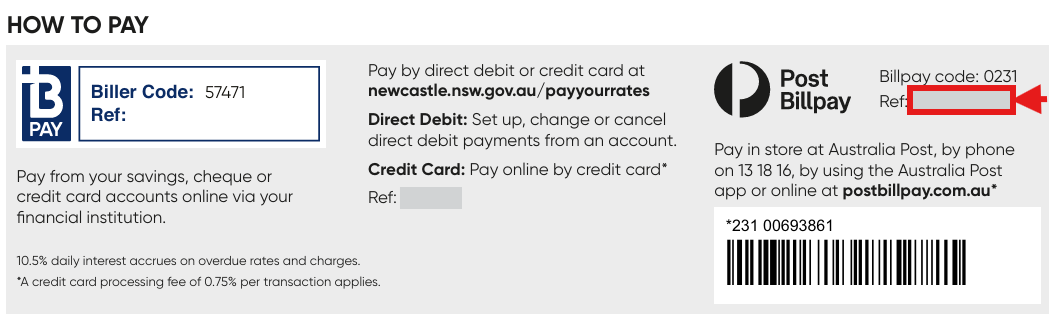
There are several ways you can pay your rates; you can choose the option that suits you best.
Pay with Australia Post
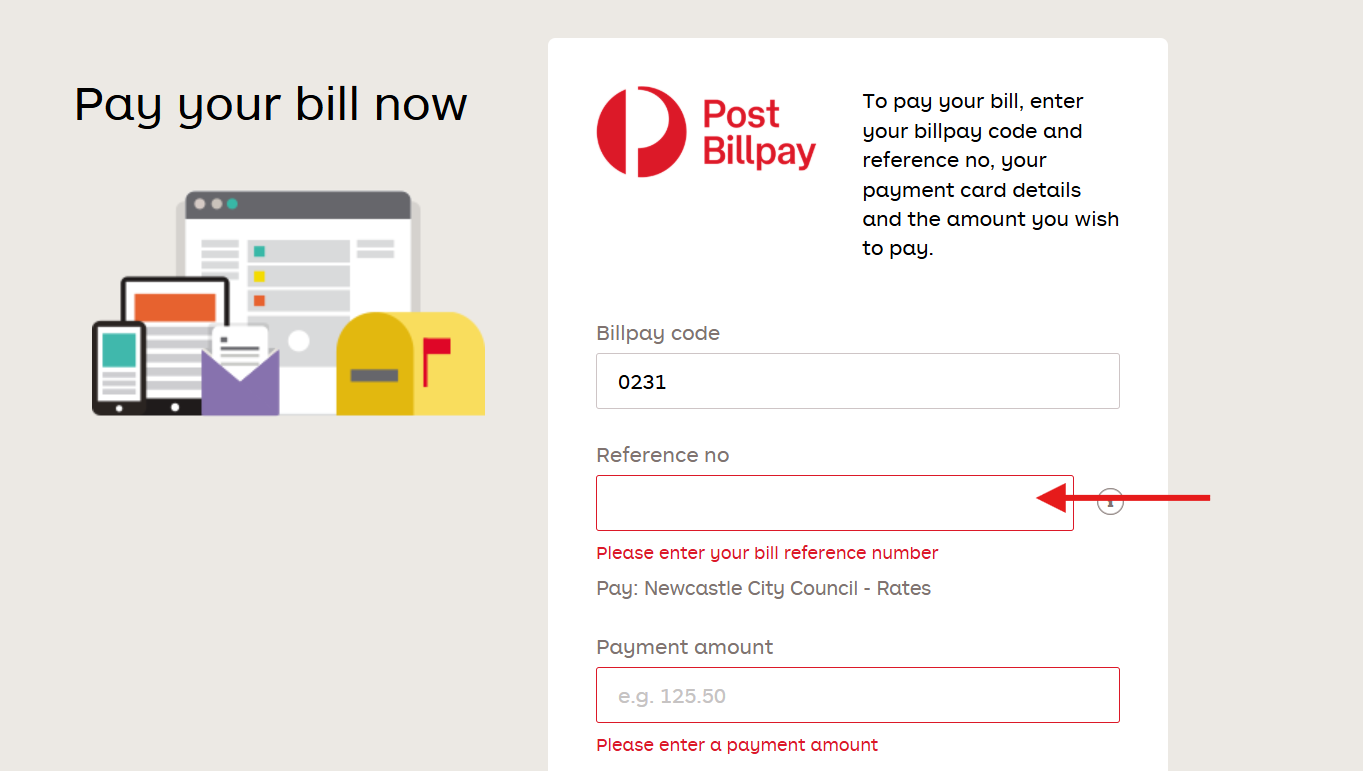
Post Billpay by calling 13 18 16 or visit Australia Post Billpay and pay by credit card use Billpay code 0231. Your reference number can be found next to the Post Billpay logo on the bottom of your rates notice. You can also pay in person at any Australia Post outlet.
Direct debit
Direct debit - set up automatic payments to come out of your account on a regular basis.
Mail or in person
Mail a cheque or money order payable to City of Newcastle crossed 'Not Negotiable' to PO Box 489, Newcastle NSW 2300 or in person by cash, cheque, EFTPOS, or credit card at our Customer Service Centre located at 12 Stewart Avenue, Newcastle West 8:30am to 5:00pm weekdays.
BPay
BPAY using your online cheque, savings, or credit card account. Visit BPAY's website or talk to your financial institution for details. City of Newcastle Biller Code is 57471.
Related articles
- Rates Enquiry - need help understanding your notice or when your instalments are due? We are here to help.
- Rates Refund - if you have overpaid your rates, or made a payment to the incorrect account, you can request a refund.
- Set Up a Direct Debit - set up regular payments from your bank account.
Thank you for providing feedback.
We will use this information to improve this page.